01
Index in place
Add local folders, external drives, or mounted network shares. Focus links to originals instead of forcing a cloud migration.
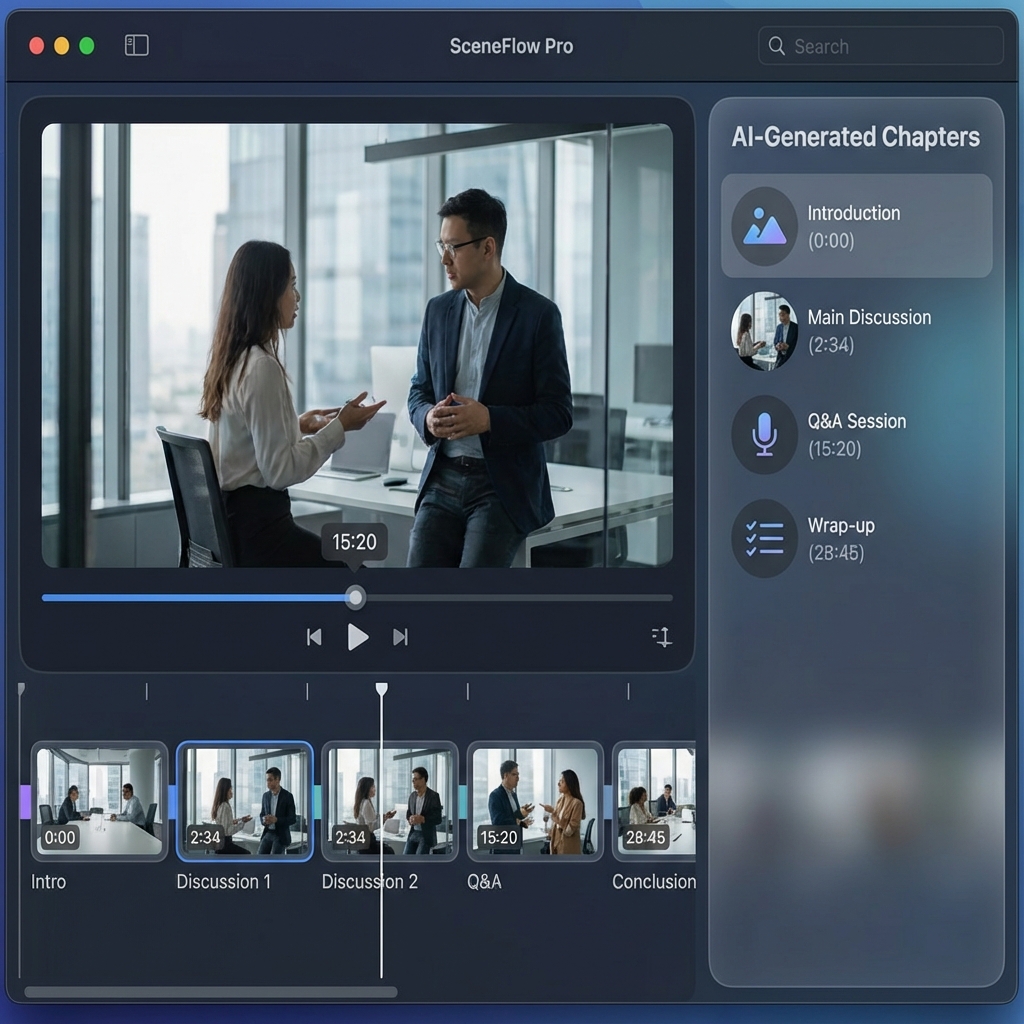
Video asset management for editors
Focus is a desktop search-and-review workspace for editors—not surveillance VMS software and not a cloud team DAM replacement. It indexes linked footage in place, opens results in source-time context, and turns useful moments into Selects and editor handoff files.
Video asset management for editors
For footage-heavy editing, the useful job is not merely storing files. It is finding a remembered quote, person, scene, object, or visual detail; checking the corresponding source moment; collecting verified ranges; and delivering them without renaming or moving originals.
01
Add local folders, external drives, or mounted network shares. Focus links to originals instead of forcing a cloud migration.
02
Core transcription, visual analysis, metadata extraction, and search run locally after the selected models are downloaded.
03
Open a timestamped result in source-time context before trusting a quote, scene, or B-roll candidate.
04
Save found ranges as Selects or Sequences, then create Premiere, Resolve, Final Cut, subtitle, or CSV handoffs where supported by your edition.
Focus's core indexing, AI analysis, and search run locally. Your library is not uploaded to a Focus cloud service by default. Model downloads, licensing, and updates require internet access. Optional cloud workers, when enabled, upload only explicitly confirmed media; connected agent providers may receive the bounded text or metadata you ask Focus to return.
Focus is built for libraries on the storage you already use, including mounted external drives and network shares. Storage speed, codecs, model choices, and hardware all affect indexing, so validate one representative project before committing a full archive.
Video asset management for editors
Focus covers the editor-facing part of media asset management: cataloging footage, searching inside it, reviewing source moments, building selects, and preparing handoff files. It does not provide cloud portals, approval links, rights management, asset checkout, or simultaneous multi-user catalog editing.
Keep filenames, paths, technical metadata, transcripts, scenes, people, tags, and saved ranges searchable in a local workspace.
Search spoken words, meaning, people, and visual content while source media and search indexes stay on storage you control during the core workflow.
Use tags, ratings, Selects, Sequences, and Smart Filters to move from a large library to a reviewable set of source-backed moments.
Export supported timeline, subtitle, and review formats. Always test one representative source and verify paths, timecode, and playback in your NLE before scaling up.
You are an editor or researcher working from local, removable, or mounted media and need content search plus verified selects.
You need browser-based review, permissions, rights and retention policies, cloud proxies, or a shared authoritative catalog.
Let a DAM remain the system of record while Focus handles local discovery and editorial handoff for a working copy of the media.